WordPress Plugin Installation & Setup

Frictionless WordPress Plugin Installation & Professional Configuration

Stop struggling with broken layouts, conflicts, or complex settings. Get essential plugins installed, secured, and optimized for the way your site actually runs.
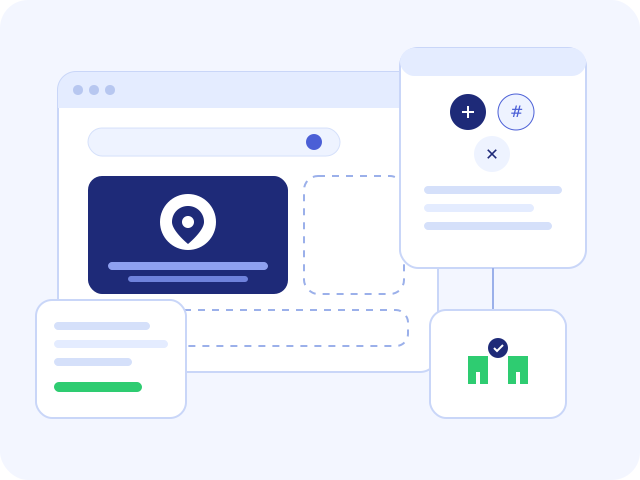
WordPress plugin installation and professional configuration
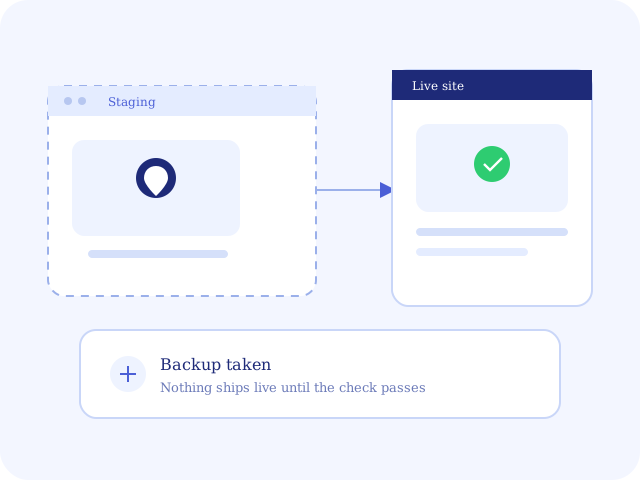
100% Risk-Free InstallationBackup first. Staging when the site allows it. Live only after the check passes.
Certified WordPress DevelopersNamed engineers — not a click-farm of “activate plugin” tickets.
Fast 24-Hour TurnaroundStandard jobs ship in 24–48 hours once we have access and keys.
Why professionals

Why Leave Your Plugin Setup to Professionals?

A plugin that “works on my computer” can still break checkout, leak an API key, or double-load analytics. We treat installation as production work.

Staging-first WordPress plugin testing before live install
01

Zero downtime and conflicts

Pre-tested on staging or an isolated environment so the install matches your theme and the plugins already running.

02

Peak performance and speed

Settings are tuned so the new stack does not drag Core Web Vitals or fight an existing cache plugin.

03

Hardened security

File permissions, API keys, and update channels are set so licenses and data do not leak through a default install.

04

Tailored business configuration

Workflows are mapped to the job: SEO, checkout, forms, or analytics — not a generic “activate and leave.”

What we handle

End-to-End Plugin Integration & Management Services

From a single premium plugin to a full stack of gateways, CRM tools, and cache layers — installed in a safe order, then handed back with notes.

WordPress plugin, API, and third-party service integrations
01

Single and multi-plugin setup

One plugin or a full suite, installed in a safe order with dependencies checked first.

02

Third-party API and service integrations

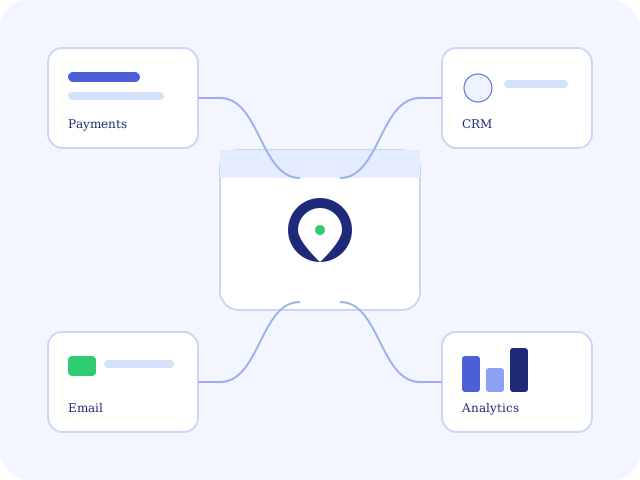
Payment gateways, CRM tools, email platforms, and analytics connected with live test events.

03

License and activation setup

Premium keys installed, update channels verified, and license dashboards confirmed.

04

Conflict and error resolution

Layout breaks, database errors, and memory-limit failures traced to the plugin that caused them.

05

Performance and cache optimization

Caching, image compression, and minification plugins configured against your actual pages.

Ecosystem

Expertise Across Every WordPress Ecosystem

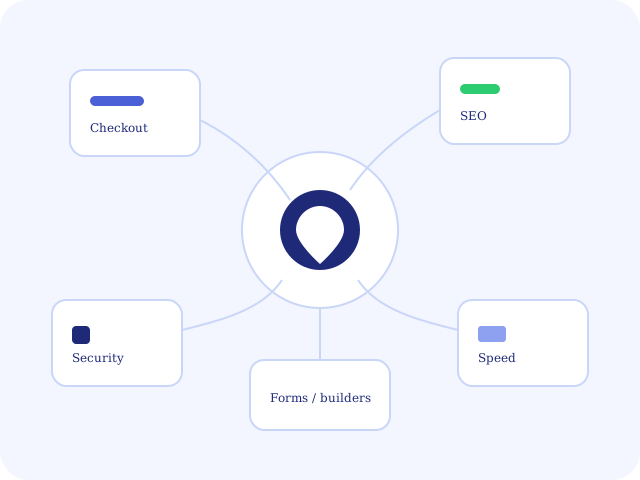
We configure the tools you already bought. We do not force a 4M stack on a working site.

WordPress plugin ecosystem including SEO, checkout, and forms

How our service works

A Simple 4-Step Onboarding Process

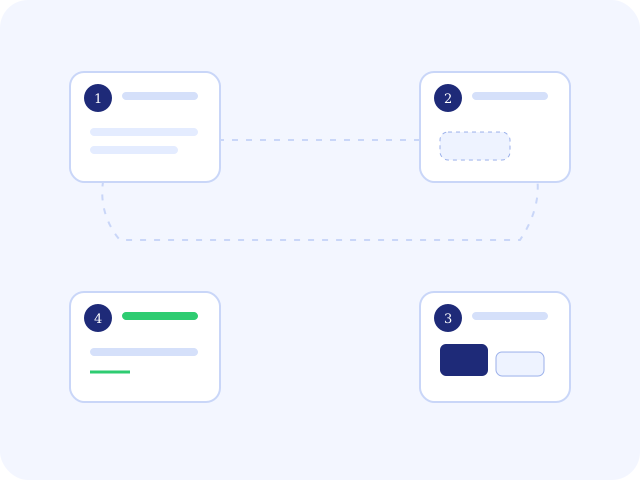
Request, backup, install, then a written handoff. The live site stays up while the work is proven.

Four-step WordPress plugin setup and handover process
  1. 01

    Submit request

    Share the live site, the plugin list, and any license keys through our secure intake form.

  2. 02

    Audit and preparation

    We review the current environment and take a backup before anything is installed.

  3. 03

    Installation and configuration

    Plugins are installed, licensed, and configured to WordPress best practice — not vendor defaults.

  4. 04

    Testing and handover

    Mobile and desktop QA, then a written handoff of what changed and how to maintain it.

Social proof

Trusted by Hundreds of Business Owners & Agencies

The same desk that runs ongoing WordPress care also ships one-off plugin jobs without taking the site offline.

Written plugin setup handover after installation and testing
1,000+Plugins configured
99.9%Uptime maintained during installs
5/5Average rating

They had three premium plugins live before the next business day. Checkout never blinked.

Store owner, fashion ecommerce

Clear notes after every step. Our agency could forward the handoff as our own.

Account lead, digital agency

A previous freelancer broke the header. This team isolated the conflict and left the theme intact.

FAQ

Frequently Asked Questions

Do I need to provide admin credentials?

Yes. We collect them through a secure, encrypted credential manager — never by unencrypted email. Access is limited to the engineer on the job and revoked when the work is handed over.

What happens if a plugin breaks my theme?

We take a full backup before any install. Work runs on staging or an isolated check first when the site allows it. If a conflict still appears, we fix it before the session is closed.

Do you supply premium plugin licenses?

You provide your own premium keys. We install, activate, and wire the update channel. We can recommend licenses when a tool is a poor fit, but we do not resell the plugin itself.

How fast is the turnaround time?

A standard setup is completed within 24–48 hours after we have access and your plugin list. Expedited windows are available when the live site is blocked on the install.

Ready to Elevate Your Website with Stress-Free Plugin Setup?

Schedule Your Plugin Installation Today

Let us handle the technical heavy lifting

Name, email, phone, the live site, and the plugins you need. We reply with a window and what we will do on the job.

  • Plugin list. Names, license keys if you have them, and what “done” looks like.
  • Access. Admin via encrypted credential manager after we accept the job.
  • Not a rebuild. Theme rebuilds and custom plugin development are a different quote.