Do I need Mailchimp, Klaviyo, or another CRM?
No. Sequences, contacts, and tracking live in WordPress. Mail goes out through wp_mail() — the same path as WP Mail SMTP, Mailgun, or Amazon SES you already use.
Does it nurture people from Contact Form 7 and WooCommerce?
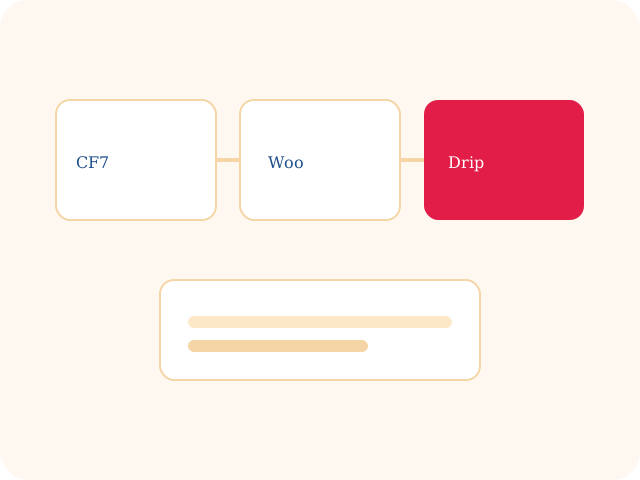
Yes. After a successful Contact Form 7 send, the submitter is enrolled in the sequences you choose (specific forms or all forms) and the full drip runs. WooCommerce can enroll from checkout, order completed, or both, using billing name and email — welcome, upsell, or post-purchase nurture without Zapier.
Can I add an email to a sequence by hand?
Yes. Paste a name and address into an existing sequence from WordPress admin. They start at Step 1 and receive the entire drip on the same delays as anyone enrolled from a form or checkout.
Can I stop the remaining emails if a lead takes an action?
Yes. You define when sending should stop — for example a purchase, a booked call, or a tag. Remaining steps are skipped for that contact. You can also pause or unsub one person without stopping the sequence for everyone else.
Can I control brand, timing, and unsubscribe?
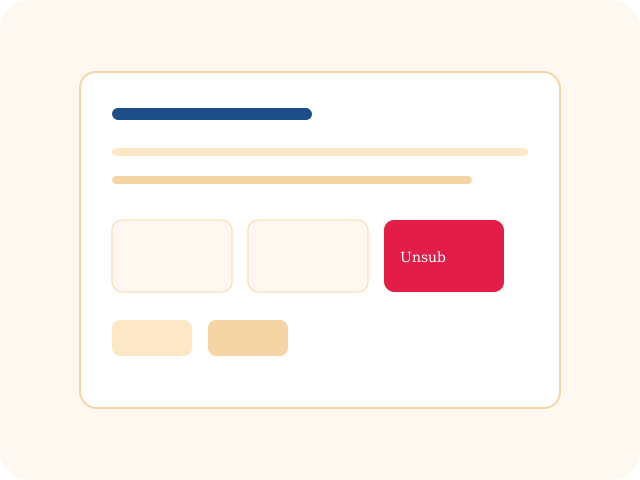
Yes. From name, from email, reply-to, signature, preview text, and send windows are per sequence. Unsubscribe is a token link, with a one-click admin unsub if someone emails you to stop.
Is this a SaaS product?
No. It is a standalone WordPress plugin with its own tables on your site. Canceling a third-party email tool does not take the list with it.