Downtime and lost revenue
What we do. An isolated staging clone, a last-minute data sync, and a DNS switch so visitors never hit a blank host.
WordPress Migration Services
Moving hosts, switching domains, or consolidating a network? Certified migration specialists relocate the store or site without losing an order, a ranking, or a pixel.
Risks we remove
A plugin “clone” is not a migration. Rankings, serialized data, and checkout are where DIY jobs fail.
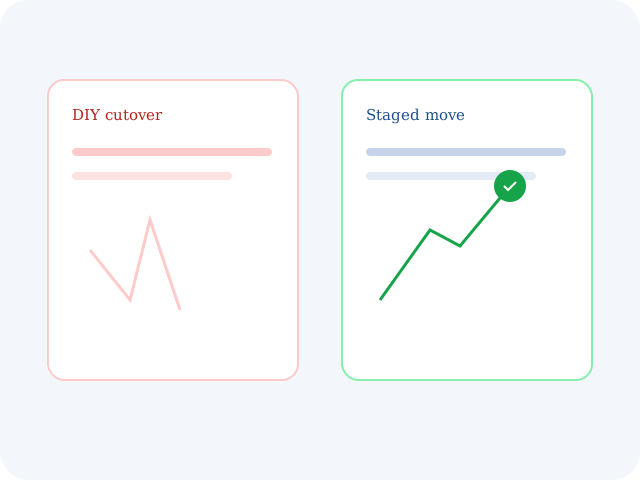
Downtime and lost revenue
What we do. An isolated staging clone, a last-minute data sync, and a DNS switch so visitors never hit a blank host.
Lost search rankings
What we do. 301 maps, permalink alignment, and sitemap continuity so organic URLs do not 404 after the move.
Corrupt databases and missing media
What we do. Serialized database checks and a media-library count so every order, user, and file arrives intact.
Broken URLs and hardcoded paths
What we do. Search-and-replace across tables so mixed content and dead links do not appear on the new domain.
What we move
Host hops, platform imports, domain changes, Woo catalogs, and multisite splits — scoped as the job they actually are.
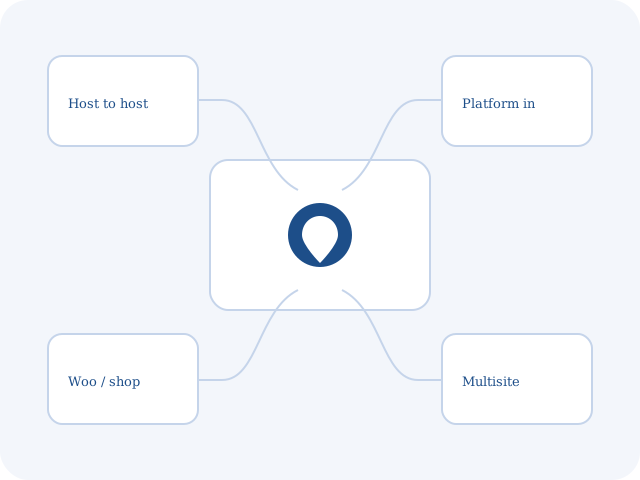
Move to Kinsta, WP Engine, Cloudways, SiteGround, or a box you already pay for — without a weekend outage.
Shopify, Wix, Squarespace, Magento, or Joomla into WordPress or WooCommerce, with redirects from day one.
A new primary domain with authority, internal links, and SSL carried across — not a naked cut-and-paste.
Customers, orders, stock, and live subscriptions moved with checkout tested before DNS flips.
Pull a subsite into its own install, or fold several sites into a network, without orphaning media.
Process
Clone, migrate, test, then cut over. The old site stays the source of truth until the last sync.
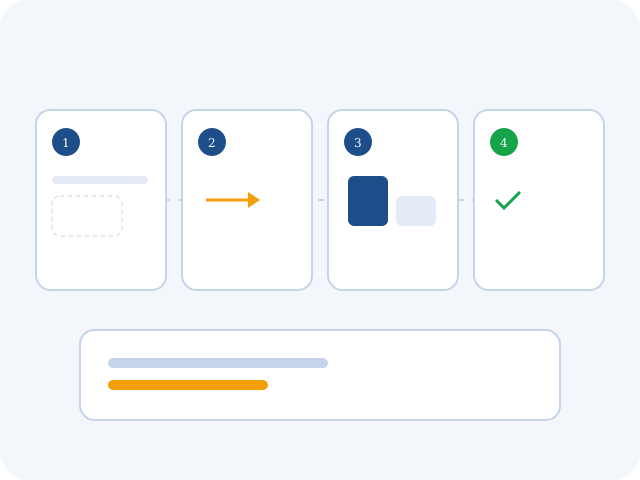
We size the database, plugins, and host, then clone into an isolated replica for the first tests.
Paths, serialization, and HTTPS are fixed on the destination before anyone changes DNS.
Browsers, links, checkout, and mobile are checked on the clone with production-like data.
A delta sync in an off-peak window, then DNS and post-launch traffic watches.
Safety net
Backup, speed, and SEO are not extras. They are the reason the move does not become a rebuild.
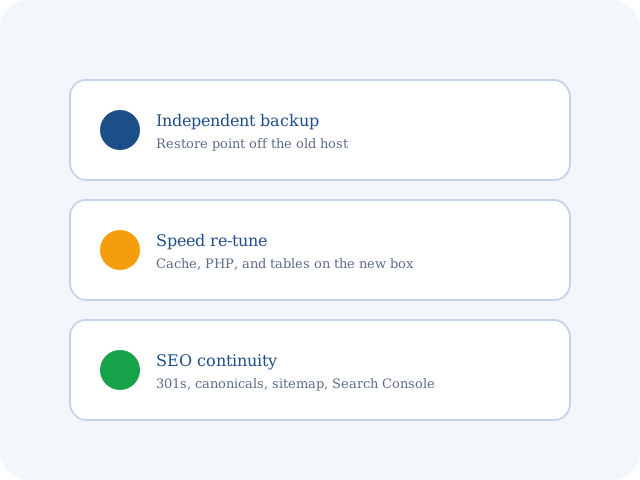
Unaltered restore points on a server that is not the old host.
Cache, PHP version, and table indexes set for the new environment — not copied blindly.
Canonicals, robots.txt, 301s, and a Search Console recrawl request after go-live.
Proof
A 50,000-product WooCommerce store moved with zero missed sales in peak traffic. 2,500+ sites migrated, 0% data-loss record, 100% uptime at the switch.
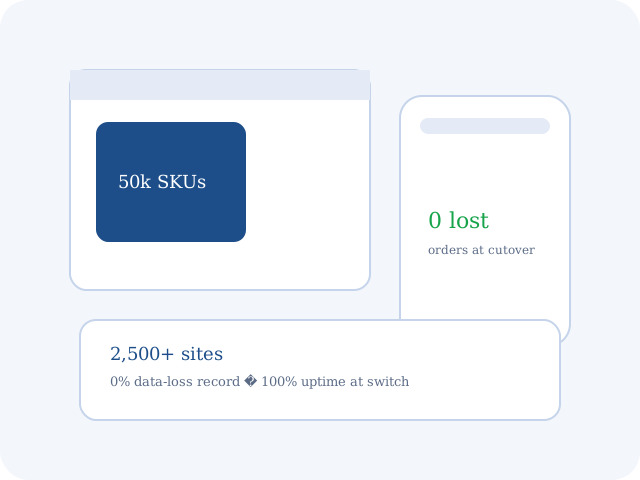
Fifty thousand SKUs moved over a holiday window. Checkout never queued, and we did not refund a single missed order.
They mapped every old Wix URL. Rankings held the week after the domain change.
Clear cutover time, a Slack thread, and a rollback plan we never had to use.
FAQ
No. The live site stays up until the new environment is tested. DNS moves only after the last data sync, usually in an off-peak window.
Temporary access to the current host (or cPanel), the destination account, and the domain registrar or DNS. We collect those through an encrypted manager.
Yes. High-volume catalogs and media move over SSH or rsync, not a browser upload that times out at 512 MB.
A standard WordPress move is 24–48 hours after we have access. Large WooCommerce catalogs and platform-to-WordPress jobs are scoped separately. Expedited windows are available.
Get the site moved safely and on a window you can brief a client or a board. Current host, destination, and what must not break.